Best Free AI IDEs in 2026: Truly Free vs Free-Trial
The honest breakdown of four very different kinds of "free", so you stop wasting weekends on tools that bill you by Monday.
AI assisted the draft; Qasim Hammad tested, edited, and fact-checked it. See our AI disclosure.
You spent a Saturday setting up what three different blog posts called a "free AI IDE," only to hit a paywall by Sunday evening. The fix is simple: sort every tool into one of four buckets before you install anything, and only then decide which fits your workflow.
The symptom looks like this: you clone a repo, configure an extension, write your first prompt, and 48 hours later a modal tells you to upgrade. You've lost a weekend and learned nothing about the tool's actual value. That is the cost of blurry "free" labeling, and nearly every round-up list perpetuates it.
This guide covers 11 tools as of mid-2026. Every pricing figure below maps to a source URL. Where numbers are community-reported rather than officially published (looking at you, Cursor), I say so explicitly.
 Four very different 'free' tiers, knowing which door you're opening changes everything.
What does "free" actually mean for a free AI IDE?
Four distinct things get called "free," and conflating them is the source of almost every wasted setup session. Truly free means a permanent $0 tier with real working limits, no card, no clock. Free and open-source BYOK means the editor software costs nothing forever, but does nothing until you supply a model. Freemium means a real but throttled permanent tier that runs out fast. Free trial means no permanent free tier at all.
Here is the full comparison table. Use it as a cheat sheet before you read the sections below.
| Tool | Bucket | What "free" really means | Free-tier limit | Cheapest paid | Best solopreneur use case |
|---|---|---|---|---|---|
| Gemini CLI | Truly free | Permanent, no card | 1,000 req/day, 60/min | $19.99/mo (AI Pro) | Terminal AI agent, zero setup cost |
| Qodo | Truly free | Permanent, no card | 250 credits/mo, 30 PR reviews/mo | $30/user/mo (Teams, annual) | Automated PR code review |
| Continue.dev | BYOK (OSS) | Free forever; model cost is yours | No caps on the extension | $20/seat/mo (Team) | VS Code/JetBrains + Ollama stack |
| Zed | BYOK (OSS) | Free forever; 2,000 autocomplete/mo from Zed | 2,000 Zeta predictions/mo free | $10/mo (Pro) | Fast editor, unlimited agent via own key |
| Cline | BYOK (OSS) | Free forever; you pay model inference only | No caps | Enterprise only (custom) | Autonomous coding agent, Claude or DeepSeek |
| Aider | BYOK (OSS) | 100% free, no account | No caps | None | Terminal pair-programmer, git-native |
| Cursor | Freemium | Permanent but thin (limits unpublished) | Community-reported ~2k completions | $20/mo (Pro) | Evaluation / occasional tasks |
| Windsurf | Freemium | Permanent; agent quota lasts ~2-3 days of real work | "Light quota" (no official number) | $20/mo (Pro) | Evaluation only |
| GitHub Copilot | Freemium | Permanent, personal use only | 2,000 completions/mo + AI credits | $10/mo (Pro) | Light autocomplete, VS Code users |
| Kiro | Freemium | Permanent | 50 credits/mo (no rollover) | $20/mo (Pro) | Spec-driven small projects |
| Trae | Freemium | Permanent | $3 basic credits/mo + 5,000 autocomplete | $10/mo (Pro) | Budget-conscious, frontier model access |
| Tabnine | Trial only | Time-limited trial, then paid | No permanent free tier | $39/user/mo | On-prem/IP-protection needs only |
Which AI IDEs are genuinely free?
Two tools earn the "truly free" label without asterisks: Gemini CLI and Qodo. Both offer permanent $0 tiers you can actually build in, with no credit card required.
Gemini CLI is an open-source (Apache-2.0) terminal agent from Google. Sign in with a personal Google account and you get 1,000 model requests per day and 60 per minute with roughly 1 million tokens of context. The honest caveat: the top-Pro model slice is much smaller. Community reports put it around 100 Gemini Pro requests/day, so Flash is your real free workhorse. When I set this up for a small n8n workflow generator, I burned through maybe 80 requests in a full afternoon of back-and-forth. The 1,000/day cap is practically invisible for solo work.
Qodo (formerly Codium) is the better pick if you care about code review rather than raw generation. The permanent $0 Developer plan includes 250 LLM-request credits per month plus up to 30 automated PR reviews per month. Premium models like Claude Opus cost 5 credits per request, so 250 credits gets you 50 Claude Opus calls, enough for a solo project with modest PR volume.
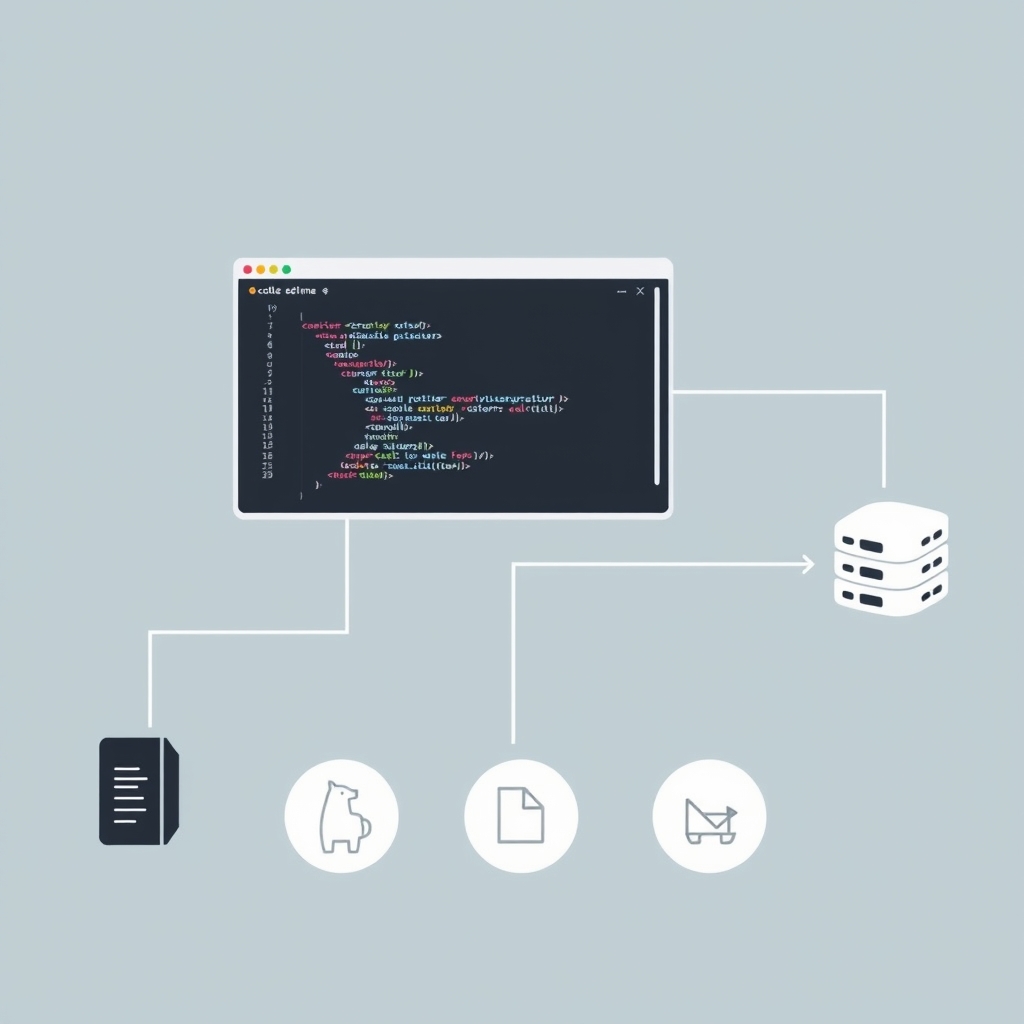 The BYOK + Ollama stack: the IDE is free, the model runs locally, the API bill is $0.
Free but bring-your-own-key: how does that work (and when is it really $0)?
BYOK tools, Continue.dev, Zed, Cline, and Aider, are free and open-source forever. The software costs nothing. What you pay is model inference, and that bill goes to Anthropic, OpenAI, or Google, not the tool vendor. Run a local model via Ollama and that bill drops to $0.
This distinction is the one nearly every competing list gets wrong. They list Cline as "free" without explaining that typing your first prompt without an API key does nothing. Here is what the BYOK stack actually looks like for a solopreneur:
- Install Continue.dev or Cline in VS Code (free, always).
- Pull a model with Ollama,
ollama pull llama3.1orollama pull deepseek-coder-v2, runs on your machine, $0/token. - Point the extension at
http://localhost:11434in settings. - Code. Forever. No subscription, no usage cap, no quota emails.
The trade-off is model quality. A local 8B model is weaker than Claude Sonnet. If you need frontier-model power, you pay API rates, roughly $3, $15/month at moderate use with DeepSeek, or $20, $50/month with heavy Claude usage, according to Cline's own pricing page. That is still cheaper than most subscriptions, and you pay for actual use rather than a flat seat fee.
Continue.dev is the most flexible: an Apache-2.0 VS Code and JetBrains extension with no request caps, plus a one-time hosted trial (50 chat + 2,000 autocomplete completions) to test frontier models before you commit a key.
Zed gives you a free Personal plan with 2,000 Zeta edit-prediction completions per month plus unlimited AI agent and chat sessions via your own API key or Ollama. Zed removed hosted LLM prompts from the free tier in October 2025, so the 2,000 Zeta completions are the only included quota, everything else requires your own model.
Aider is a terminal pair-programmer with no account, no caps, and no vendor lock-in. It is 100% free. The catch: it is CLI-only and git-native, so it belongs in your stack only if you are comfortable in a terminal.
 Follow the branches to find your best free AI IDE match in under 30 seconds.
Which "free" tiers run out fastest?
Freemium tools have real permanent tiers, but the free limits are set deliberately low to push upgrades. Based on what independent reviewers have documented, here is how fast each runs out.
Cursor is the most commonly cited example of a thin freemium tier. The free Hobby plan is permanent, but Cursor publishes no official usage limits. Community-reported figures of roughly 2,000 completions and 50 agent requests are stale and unconfirmed by Cursor itself, treat them as rough orientation, not specs. In practice, most solo builders hit the wall within their first real project session. New users also get a 1-2 week Pro trial that reverts to Hobby, which makes the drop feel steeper. Cursor's own pricing page says "limited usage" with no numbers.
Windsurf (now operating under Cognition as "Devin Desktop") gives unlimited Tab autocomplete on the free tier, which is genuinely useful. The Cascade agent quota, however, refreshes daily or weekly, and independent reviewers report it lasting about 2-3 days of real agentic work before running dry. Devin.ai/pricing lists the free tier as a "light quota" without specifics.
GitHub Copilot Free is the most transparent of the three: 2,000 code completions per month plus a modest AI credits allowance for chat and agent tasks. GitHub moved all plans to usage-based AI Credits on 1 June 2026, so the old "50 premium requests" framing is now legacy. Completions don't consume credits. For a solopreneur doing occasional autocomplete work, 2,000/month is workable.
Kiro from AWS gives 50 credits per month with no rollover. Credits don't accumulate, so there's no "bank up for a big session" strategy.
Trae from ByteDance is the most unusual freemium: $3 of Basic Usage credits per month plus 5,000 autocompletions, with access to premium models including Claude, GPT-4o, and Gemini in a standard queue. ByteDance is subsidizing usage aggressively to grab market share. That $3 credit floor is modest but real.
Which tools are free-trial traps?
One tool belongs firmly in the "skip it for free" category: Tabnine.
Tabnine discontinued its free Basic tier on 2 April 2025. What remains is a time-limited trial, reported as 14 to 30 days depending on the plan, after which you must pay. The cheapest plan is $39/user/month, steep by any measure. Tabnine's real value proposition is its privacy story: on-premises deployment, no code leaving your machine, IP indemnification for enterprise teams. If that matters to you, the price may be justified. If free is your filter, Tabnine fails it.
 Freemium caps hit faster than the onboarding flow suggests, plan for it.
⚠️ One tool you should remove right now: Roo Code
If Roo Code is in your VS Code extensions, uninstall it. The Roo Code team shut down the project on 15 May 2026, the GitHub repository is archived at v3.54.0 and the cloud service is offline. The frozen extension will still install from the marketplace, but it receives no security patches, no bug fixes, and no model updates.
Most "free AI IDE" lists published before June 2026 still recommend it. A list that warns you off a dead tool is more useful than one that doesn't.
The natural successor is Cline, same BYOK architecture, active development, identical VS Code install flow. Kilo Code is another fork worth watching.
How solopreneurs pick the wrong free AI IDE
The most common mistake is choosing based on brand recognition rather than bucket. Cursor has the best marketing, which makes it the most frequently installed and the most frequently abandoned when the free tier runs out after one session.
The second mistake is treating BYOK tools as "not free" because they require a key. They are the most sustainably free option for anyone willing to run Ollama. After two weeks of running Continue.dev with a local Llama 3.1 model for a small Supabase schema assistant, my API bill was exactly $0. The quality was lower than Claude Sonnet, but for boilerplate generation and SQL scaffolding it was plenty.
The third mistake is ignoring workflow fit. Aider is excellent, but only if you live in a terminal. Gemini CLI is excellent, but only if you don't need a full editor GUI. Qodo is excellent, but only if PR code review is actually part of your solo workflow.
Pick the bucket first. Then pick the tool.
What to do next
If you want zero cost with no setup friction, start with Gemini CLI, install it, sign in with your Google account, and you have 1,000 free requests today. If you want a permanent free IDE with no usage anxiety, pair Continue.dev with Ollama and a local model; that stack costs nothing indefinitely. If you are evaluating Cursor or Windsurf, be clear with yourself that you are on a trial, not a free plan, and budget for the $20/month Pro upgrade before you get attached to the workflow.
The market moves fast. Check each tool's pricing page directly before committing, the URLs referenced above are the canonical sources as of mid-2026.
Frequently asked questions
Is Cursor free?
What is the most generous free AI IDE?
Can I use AI coding tools for free without an API key?
Is GitHub Copilot still free?
Is Tabnine free?
What does BYOK mean for a free AI IDE?
Is Roo Code still usable in 2026?
Related reading

Ollama vs LM Studio vs Jan: Best Local LLM Tool for 2026
Running a local LLM cuts your AI API bill to $0 and keeps client data off third-party servers. This breakdown of Ollama, LM Studio, and Jan tells you exactly which tool fits a solo operator's workflow.

How Solopreneurs Use AI to Automate Lead Follow-Up and Client Onboarding
Two hidden time-sinks bookend every solo deal: chasing leads before they say yes, and onboarding clients after. Here's how solopreneurs use AI to automate both ends of the journey, from first inquiry to kickoff call.