How Solopreneurs Use AI to Automate Lead Follow-Up and Client Onboarding
One system that catches every lead and onboards every client, while you do the actual work.
Updated June 6, 2026 — Merged three early posts (lead follow-up plus two client-onboarding guides) into one end-to-end client-journey guide.
AI assisted the draft; Qasim Hammad tested, edited, and fact-checked it. See our AI disclosure.

You spent real money, and real time, getting someone to fill out your contact form. Then life got busy, and you replied three days later. The lead had already hired someone else.
Then there's the other side of the same coin. You finally win a client, and the hour that follows, copying their details into a spreadsheet, writing the same welcome email for the fifteenth time, chasing a signed contract, eats the very time you just earned.
Those two moments, the lead you answer too slowly and the client you onboard too manually, are where solopreneurs quietly bleed revenue and hours. The fix for both isn't working longer. It's letting AI handle the predictable parts the moment they happen, so you only show up where you actually add value. This guide covers the full journey, from the first inquiry to the kickoff call.
 A single trigger can set off an entire follow-up sequence without manual input.
Why Speed Is the Whole Game in Lead Follow-Up
The first response wins more often than the best response. Research published by Harvard Business Review found that companies contacting leads within an hour were nearly seven times more likely to qualify them than those who waited even sixty minutes. For a solopreneur with no sales team, that window is almost impossible to hit manually, unless AI is doing the work.
Speed matters because leads are rarely waiting exclusively for you. They've likely filled out two or three similar forms. Whoever replies first sets the tone, builds early trust, and often gets the sale. The good news: you don't need to be awake for any of it.
What "AI Lead Follow-Up" Actually Means
AI lead follow-up is the practice of using software, usually a combination of a CRM, an email automation tool, and an AI writing layer, to detect when a lead arrives and automatically send a personalized response within seconds or minutes.
It's not a single tool. It's a small stack. At the simplest level it looks like this:
- A lead submits your contact form or books a discovery call.
- A trigger (via Zapier or Make) fires instantly.
- An AI-drafted, personalized email lands in the lead's inbox.
- Follow-up messages continue over the next 7-14 days unless the lead replies or books.
The AI part can live at different points in that chain. Some solopreneurs use GPT-based tools to write the sequence upfront. Others wire OpenAI directly into their automation so each message is dynamically generated with the lead's specific details. Both approaches work, the right one depends on your volume and comfort level.
Build Your First AI Follow-Up Stack (Without an Enterprise Budget)
You don't need Salesforce. Here's a practical setup that costs under $100 per month and handles most solopreneur sales cycles cleanly.
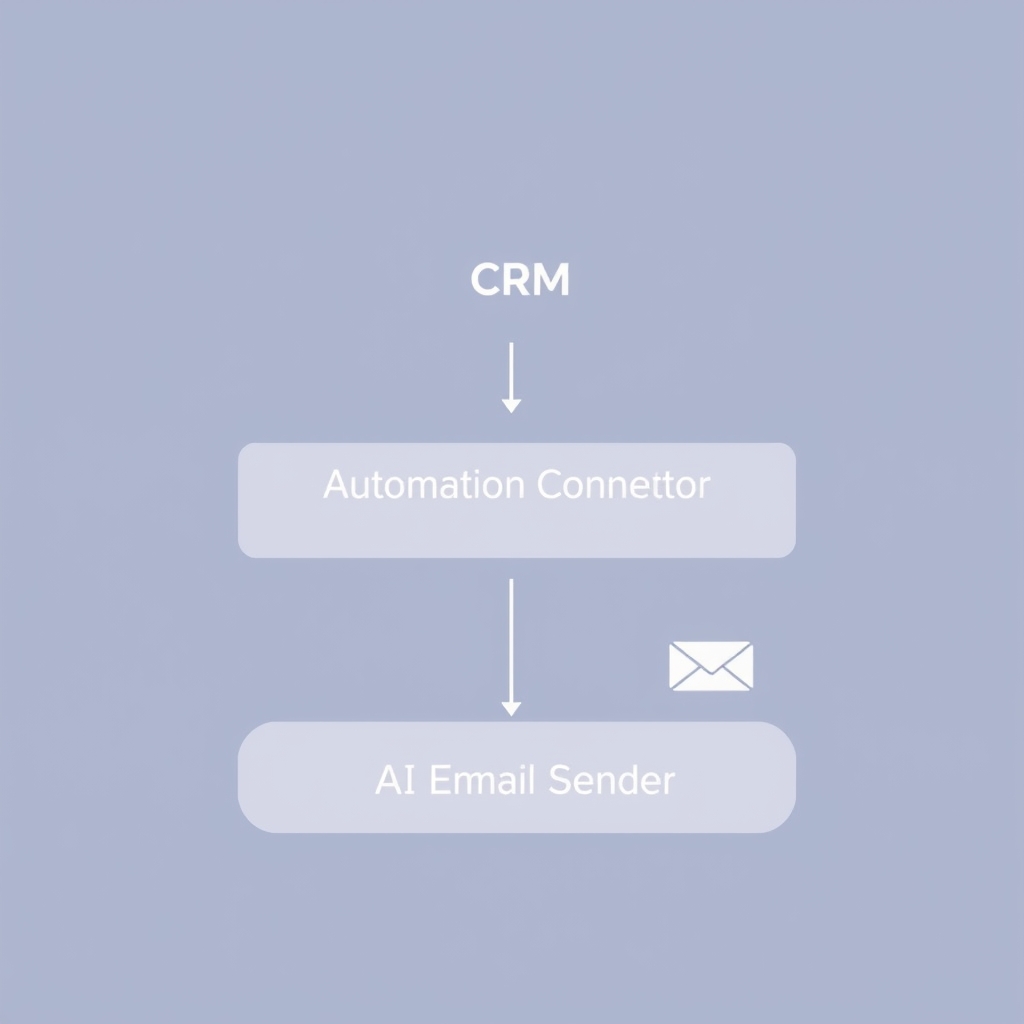 A three-layer stack handles most solopreneur follow-up needs cleanly.
The tools
| Layer | Budget Option | Mid-tier Option |
|---|---|---|
| CRM / lead hub | HubSpot Free | ActiveCampaign ($29/mo) |
| Automation connector | Zapier Free (5 zaps) | Make ($9/mo) |
| AI writing | ChatGPT for drafting | OpenAI API via Make |
| Email sender | Gmail / Outlook | ActiveCampaign built-in |
| Scheduling | Calendly Free | SavvyCal ($12/mo) |
Start with the budget column. Once you're consistently converting leads from automated sequences, upgrade specific layers where you feel friction.
The three-email sequence that closes
Most solopreneurs overthink the sequence length. Three emails, spaced correctly, will do more than a dozen poorly timed ones.
- Email 1 (Day 0, within 5 minutes): Instant acknowledgment. Confirm you received their inquiry, set an expectation for when they'll hear from you personally, and include one clear next step (usually a calendar link).
- Email 2 (Day 2-3): Value delivery. Share one genuinely useful resource, a case study, a short video, a relevant article, that speaks directly to the problem they mentioned. No pitch yet.
- Email 3 (Day 7): Soft close. Ask a simple yes/no question. "Still looking for help with X?" keeps it low-pressure and prompts a reply even from cold leads.
A soft close works better than a hard sell because it invites a conversation rather than demanding a decision.
How to Personalize at Scale Without It Feeling Robotic
Personalization isn't just first names. When a lead fills out a form, capture at least one specific detail, their business type, their main challenge, or how they found you. Feed that detail into the AI prompt or the email template as a variable.
For example, if someone writes "I'm a yoga instructor struggling to get clients online," your Day 2 email can open with: "Since you're in the wellness space, I thought this case study on booking clients through Instagram would be relevant..."
That one sentence shifts the email from a broadcast to a conversation. ActiveCampaign's own benchmarks consistently show that emails with personalized subject lines get meaningfully higher open rates than generic ones.
Practical ways to collect personalization data:
- Add a single open-text field to your contact form: "What's your biggest challenge right now?"
- Ask a qualifying question in your Calendly booking form.
- Use a Typeform intake that feeds directly into your CRM via Zapier.
 Capturing one specific detail turns a broadcast into a conversation.
Connecting AI to Your Existing Workflow
The trigger is everything. If your automation doesn't fire the instant a lead arrives, you've already lost the speed advantage. Here's how to wire it up correctly.
Using Zapier to connect form to AI to email
- Set your form tool (Typeform, Gravity Forms, Tally) as the trigger.
- Add an OpenAI "Send Prompt" action, pass in the lead's name, challenge, and any other captured fields. The prompt instructs GPT to write a short, warm acknowledgment in your specified tone.
- Route the AI-generated text into Gmail or your email platform as the action, sending it from your own address.
- Add a parallel branch that creates the lead record in your CRM and starts a follow-up sequence for emails 2 and 3.
The whole setup takes about 90 minutes the first time. After that, it runs without you.
Don't forget the off-ramp
Every sequence needs an exit condition. If a lead replies, books a call, or purchases, the automated sequence should stop immediately. Sending a "still interested?" email to someone who already paid you is the fastest way to erode trust. Most CRMs handle this with a simple "if/then" condition, make sure yours is active before you go live.
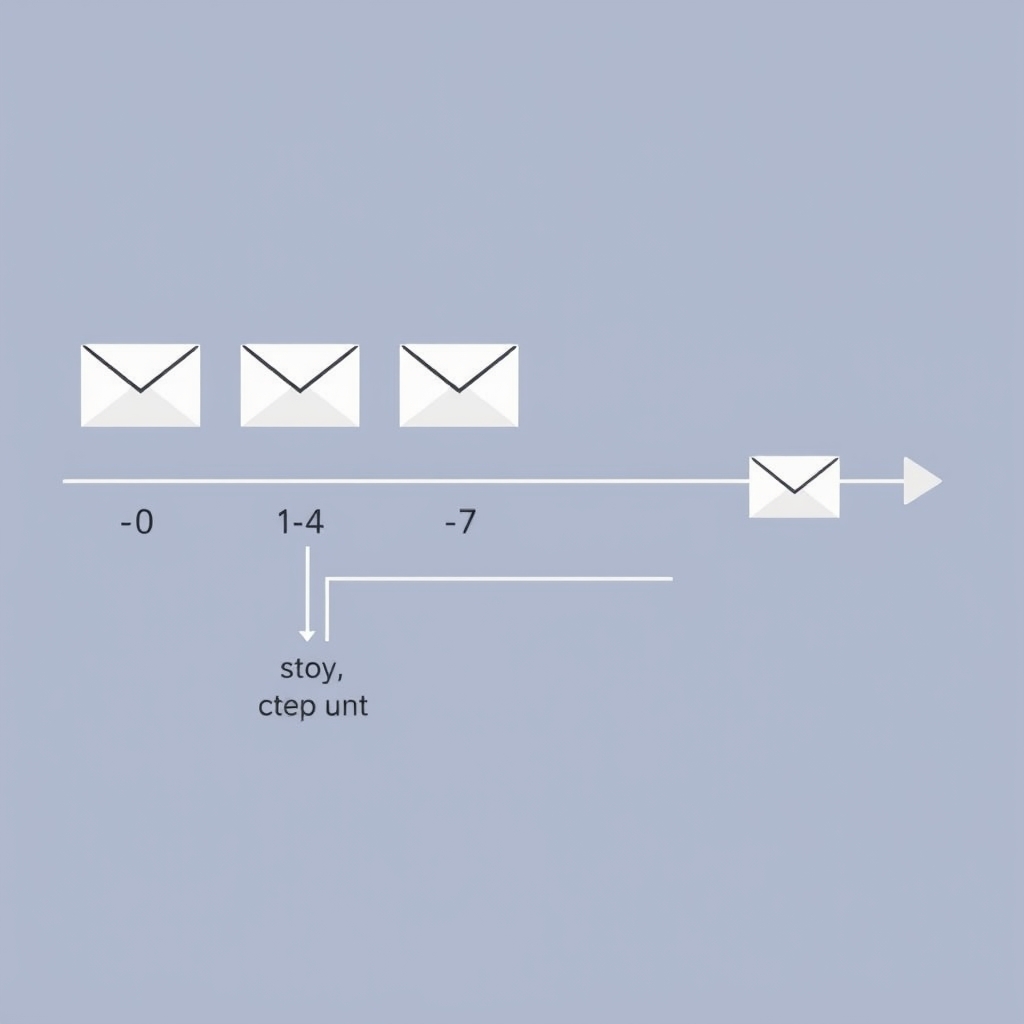 Always build an exit condition so booked leads never get a cold outreach email.
After the "Yes": Automating Client Onboarding
Winning the lead is only half the battle. Signing a new client is the highlight of any solopreneur's week, but the hour that follows is not. That gap between winning business and actually starting work is the second hidden tax on every solo operator. The same playbook applies: automate the predictable steps, keep the human moments.
Automated client onboarding is the process of using software, often with an AI layer, to handle the repetitive, sequential tasks that fire every time a new client comes on board. Think confirmation emails, intake questionnaires, contract delivery, invoice sending, and kick-off call scheduling.
Think of it as a relay race. Your client fills out an intake form, and that single action hands the baton to a chain of automated steps: a welcome email lands in their inbox, a contract appears for signing, a kickoff call invitation hits their calendar, and a personalized project brief gets drafted, all before you've touched a single keyboard shortcut.
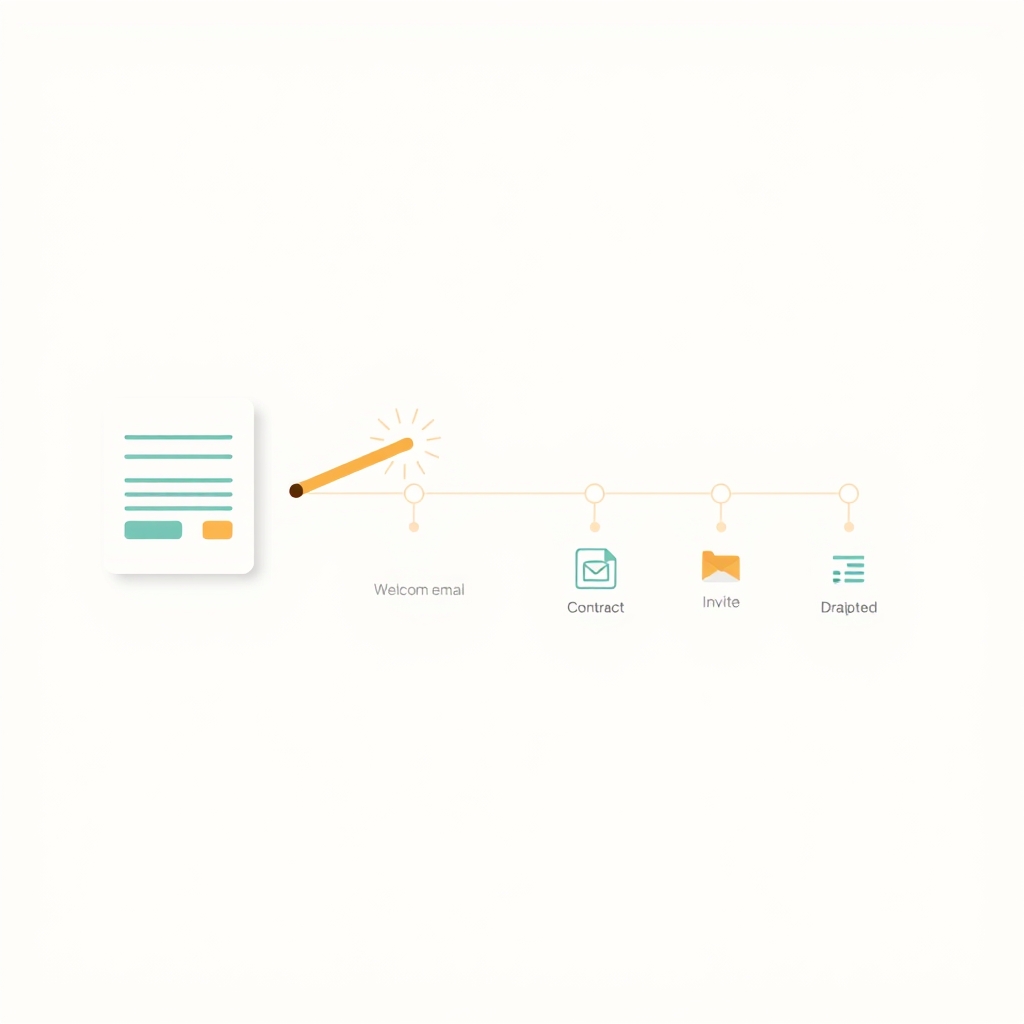 One client action hands the baton to every downstream onboarding step automatically.
Why Solo Operators Specifically Need This
Larger agencies have ops managers and account coordinators to absorb onboarding friction. You don't. Every admin hour you spend is an hour not spent on billable work, or rest.
Research from McKinsey suggests that generative AI can automate a large share of the time spent on routine administrative tasks. Even a conservative slice of that is significant when you're a team of one.
There's also a consistency problem. When you onboard manually, the experience varies with your energy level, how busy you are, and whether you remembered to send the right template. Automation creates a floor: every client gets the full experience, every time. That matters for retention too. According to HubSpot's State of Service research, a poor early experience is one of the top reasons clients churn, so a slick, consistent process protects your revenue as well as your hours.
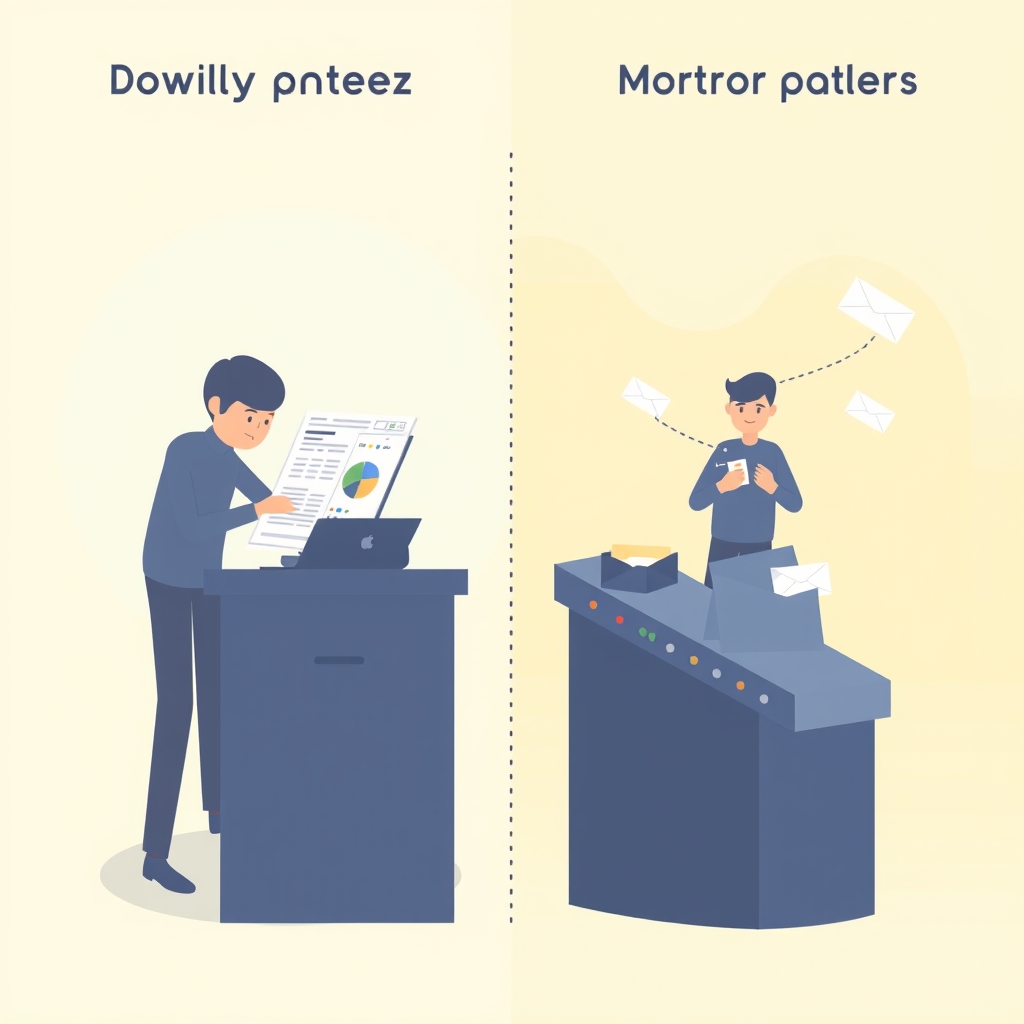 The gap between winning a client and starting work is where solo operators quietly lose time.
What Your Onboarding Flow Should Include
A solid onboarding sequence covers six core steps, in roughly this order:
- Confirmation message, immediate acknowledgment that you received their payment or agreement
- Intake form, collects project details, brand info, logins, or whatever you need to start
- Contract and invoice, legally protects both parties and secures payment
- Welcome guide or client portal link, sets expectations and answers common questions upfront
- Kick-off call invitation, self-booked via a scheduling link
- Follow-up nudge, automated reminder if they haven't completed any of the above
Every step in this list can be automated. The tools to do it are cheaper and easier to use than most people expect.
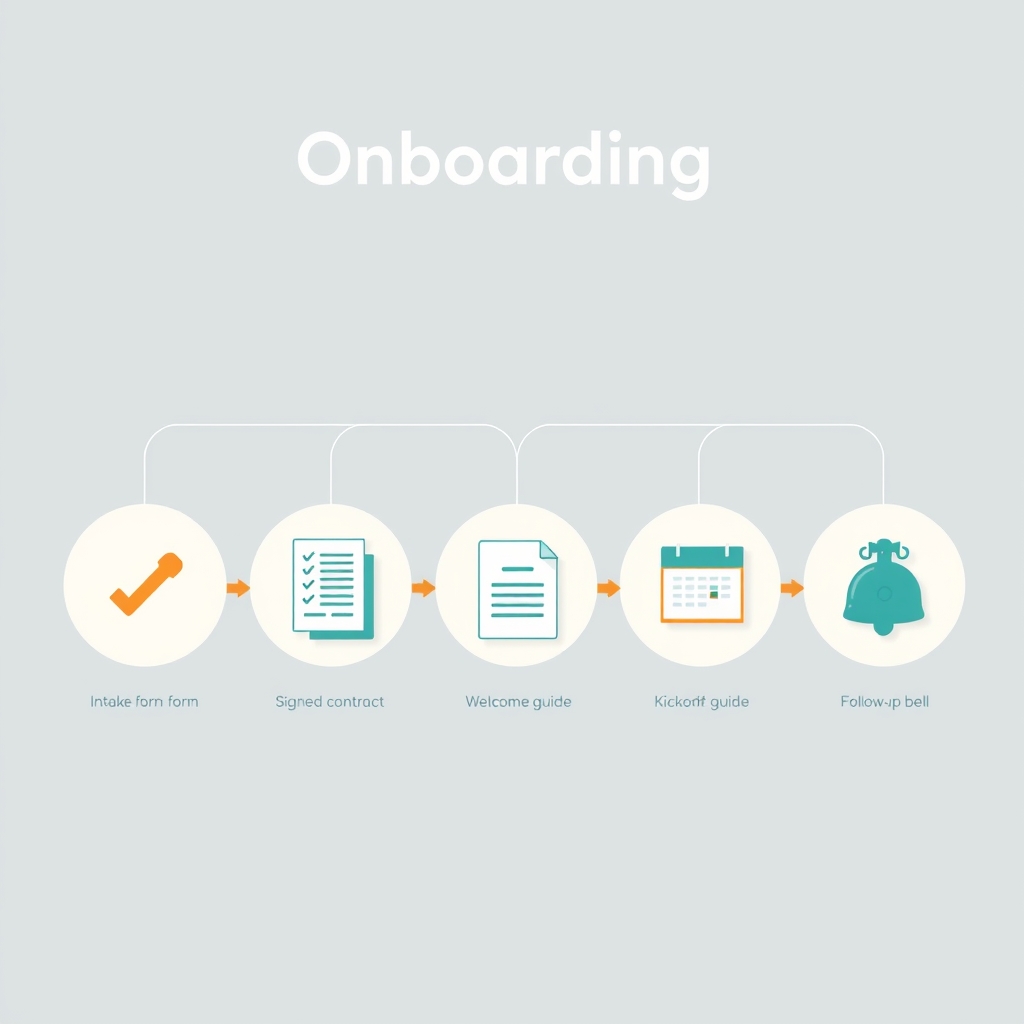 A solid onboarding flow moves through six predictable steps, each one automatable.
Map Your Onboarding Before You Automate Anything
Before you touch a single tool, spend 20 minutes writing out every step you currently do when a client signs. Be granular. A typical solo operator's manual onboarding looks something like this:
- Send a "welcome aboard" email
- Share an intake questionnaire
- Wait for responses, follow up if needed
- Draft a project brief from their answers
- Send a contract via email attachment
- Follow up on the contract
- Schedule a kickoff call (usually 2-3 back-and-forth emails)
- Send a kickoff agenda
Circle every step that repeats identically for every client. That's your automation target list. Steps that require real judgment, like reviewing a contract clause specific to that client, stay manual for now.
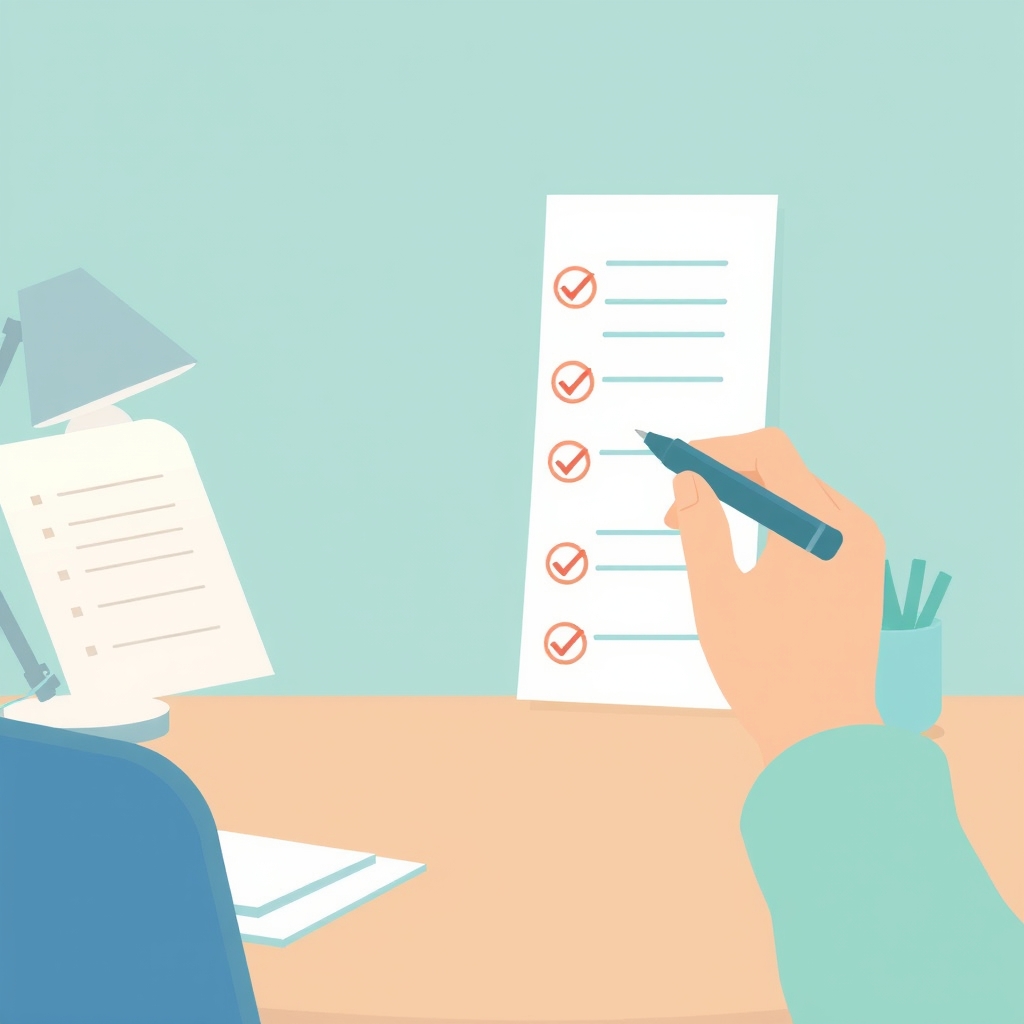 Circle the steps that repeat identically; those become your automation target list.
The Tools That Do the Heavy Lifting
You don't need an enterprise tech stack. Most solo operators build their entire onboarding flow with two or three tools across these categories:
| Category | Tool options | What it automates | Price range |
|---|---|---|---|
| Intake forms | Typeform, Tally, JotForm | Collects client info, triggers the flow | Free, $25+/mo |
| Automation backbone | Zapier, Make (Integromat) | Connects every tool in the chain | Free, $29+/mo |
| All-in-one CRM | HoneyBook, Dubsado, 17hats | Forms, contracts, invoices, scheduling in one | ~$15, $79/mo |
| Contract and signing | HoneyBook, PandaDoc, DocuSign | Sends and tracks contracts automatically | Free, $35+/mo |
| AI writing layer | ChatGPT, Claude, Notion AI | Drafts emails, briefs, agendas from form data | Free, $20+/mo |
HoneyBook deserves a special mention for solo operators. It bundles intake forms, contracts, invoices, and scheduling into one platform with its own native automations, so you can build an entire onboarding flow without juggling five separate tools. HoneyBook's automation features let you trigger sequences the moment a project is created. If you prefer a more modular approach, Zapier connects almost any combination of tools, and its free tier supports single-step automations, which is enough to get started.
Building the AI writing layer
This is where the real magic happens. Instead of sending the same generic welcome email to every client, you can create a template with dynamic fields that pull directly from your intake form.
For example, an intake question like "What's your single biggest goal for this project?" can feed directly into your welcome email: "I'm so glad we're working together. Getting you to [goal they stated] is exactly what we're going to focus on."
Use ChatGPT or Claude to write your master template, with placeholders for the fields you'll pull from the form. Then connect the form to your email tool via Zapier, mapping each field to its placeholder. The AI drafts the skeleton; the automation personalizes it at scale. The same approach turns raw intake answers into a structured project brief you only need to skim and approve.
The One Human Touchpoint You Should Never Remove
Here's the counterintuitive part: the best automated onboarding flows include one deliberate manual moment.
A 60-second personalized Loom video, recorded the day a client signs and referencing their specific goals, does more for the relationship than any automated email sequence.
This single human touchpoint reframes everything around it. The automated emails feel curated rather than robotic because the client already knows you recorded something just for them. The fast contract felt professional, not cold, because of the warmth that followed. You don't need to automate your personality. You need to automate everything that doesn't require it.
 A single personal moment reframes every automated step around it as curated, not robotic.
How Much Time You Actually Save
This depends on how complex your current onboarding is, but the math is straightforward. If each manual onboarding takes 90 minutes and you bring on four clients a month, that's six hours of admin. A well-built automation reduces that to 15-20 minutes of oversight, freeing up nearly five hours monthly.
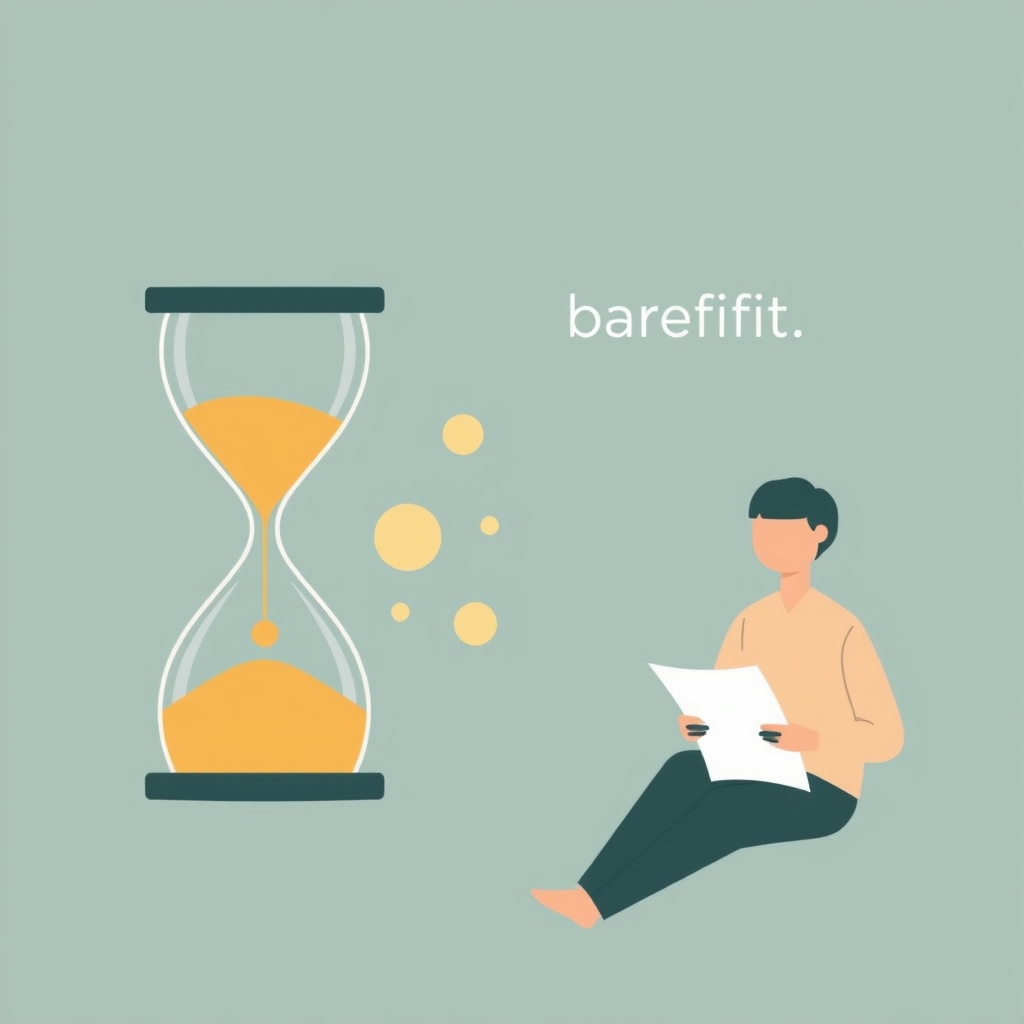 Reducing onboarding to brief oversight can return nearly five hours every month.
Over a year, that's roughly 55-60 hours returned to you. Time you can spend on client work, building a new offer, or simply not working on a Sunday.
The goal of automation isn't to replace your judgment. It's to make sure your judgment only has to show up where it actually matters.
Common Mistakes to Avoid on Both Sides
Getting the setup right is only half the job. These are the traps that quietly kill results, whether you're chasing leads or onboarding clients.
Setting it and forgetting it. Automation isn't a one-time task. Subject lines go stale, links break, and your offer evolves. Review every sequence at least once a month.
Generic openers and templates that don't pull client data. Starting with "I hope this email finds you well" signals automation immediately, and a "personalized" email that uses none of the information the lead or client gave you reads as a mail merge. Use at least two dynamic fields, name and stated goal, as a minimum.
Too many messages, too fast. Sending four emails in three days feels like pressure, not service. Give people breathing room between touches.
No human handoff point. AI should warm the relationship, not carry every interaction. Build a clear moment, a personal reply after Email 2, or that Loom video on day one, where you actually show up.
Skipping the test, and skipping the edge cases. Always submit a real test lead and a real test client through your own forms before going live. Check every variable, every link, and every conditional branch.
Measure Whether It's Actually Working
Automation isn't "set and forget." Once your flows have run for a few weeks, watch a handful of signals on each side.
For lead follow-up, check open rates, reply rates, and conversion at each step every month. Kill or rewrite any email with an open rate below 25% or a flat zero reply rate.
For onboarding, look at three things after your first ten clients:
- Time saved per client. Track how long onboarding takes you now versus before. Most operators see the biggest gains in the first two weeks.
- Client feedback during kickoff calls. Ask directly: "How did the onboarding experience feel?" You'll hear quickly if anything felt impersonal or confusing.
- Contract-to-kickoff speed. Measure the average days between a client signing and the kickoff call. A well-automated flow typically cuts this in half.
If any metric surprises you, trace it back to a specific step. Automation makes problems easier to diagnose, because the process is consistent, so the variable is usually a template or a timing setting, not human error.
Where to Start This Week
Don't try to automate the whole journey at once. Pick one source of friction, your contact form's slow reply or the intake-to-welcome-email gap, and build that single flow this week. Test it on yourself, measure it for 30 days, then expand to the next step.
Once you see a lead book a call at 2 a.m. without any action from you, or a new client move from signature to scheduled kickoff while you sleep, the model clicks. From there, Make's scenario builder and HubSpot's workflow editor make it straightforward to layer in more sophisticated logic: lead scoring, conditional branches, even AI-generated proposals and project briefs.
The solopreneurs winning right now aren't necessarily the best at their craft. Many of them are simply the fastest to show up in a prospect's inbox and the smoothest to work with once the deal is done. AI has made both achievable for anyone willing to spend a weekend setting it up.
Frequently asked questions
What is AI lead follow-up?
How quickly should an AI follow-up message go out?
How many follow-up messages should my sequence send?
What is automated client onboarding?
Can I automate follow-up and onboarding without coding?
Which AI tools are best for solopreneurs?
Will AI automation make my outreach or onboarding feel impersonal?
How long does it take to set up?
Is AI-generated content safe to send to clients and leads?
Does this work for service businesses and all client types?
Related reading

Ollama vs LM Studio vs Jan: Best Local LLM Tool for 2026
Running a local LLM cuts your AI API bill to $0 and keeps client data off third-party servers. This breakdown of Ollama, LM Studio, and Jan tells you exactly which tool fits a solo operator's workflow.
Best Free AI IDEs in 2026: Truly Free vs Free-Trial
Most "free AI IDE" lists mix up four completely different things. This guide splits 11 tools into truly free, BYOK, freemium, and trial-only, so you know exactly what you're getting before you build.